

Project
BOAR
An open-source, self-hostable design tool for campaign groups and community associations. Built with AI. Shipping without any.
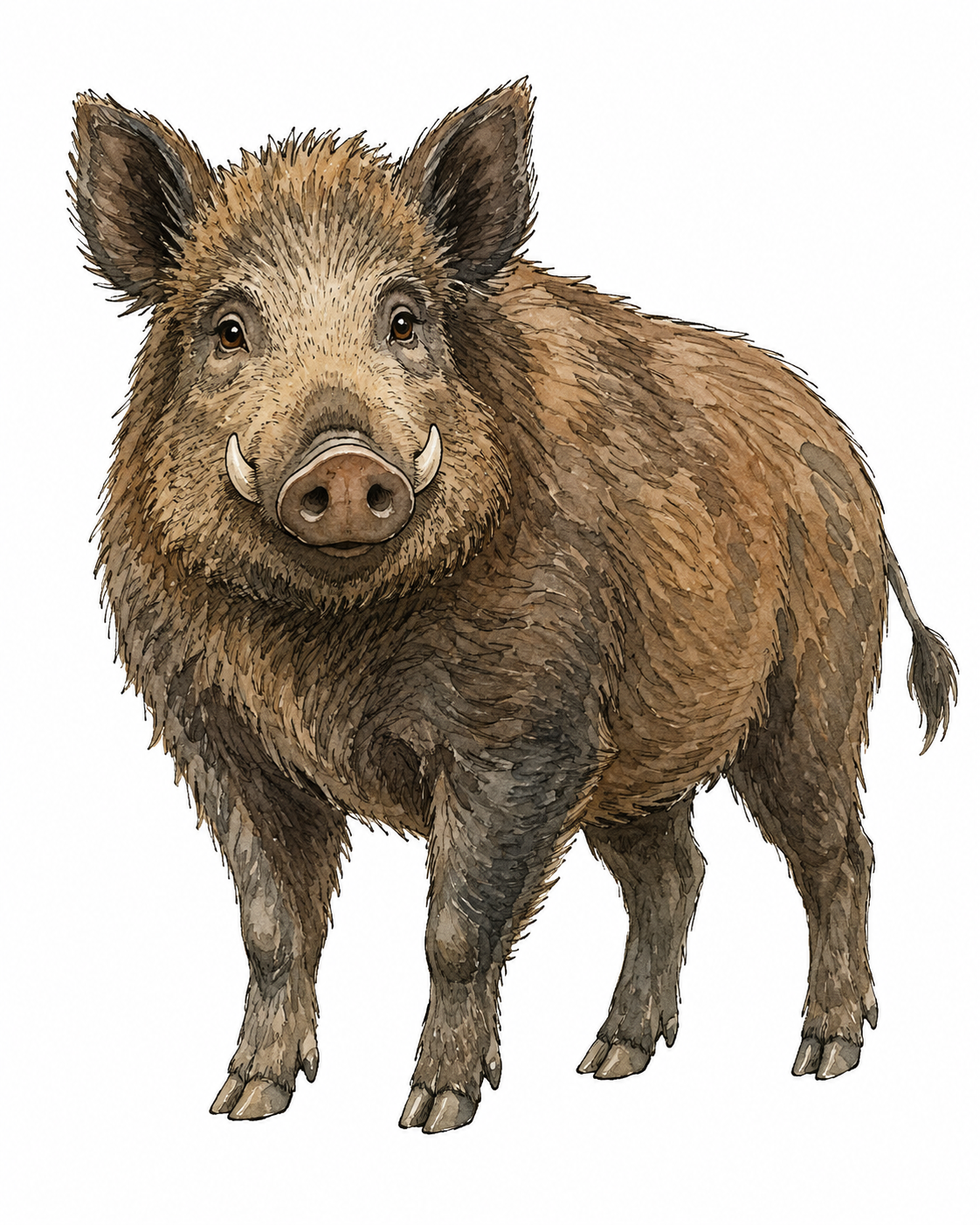
I build AI systems for a living. The tool I have spent this summer building has no AI in it.
That is not an oversight. It is the argument.
What it is
Boar is a design tool for the poster that has to exist by Thursday. Stickers, wheat-paste posters, social graphics, merch — made by campaign groups, movements, community associations and small cultural organisations, most of whom do not have a designer and are not going to hire one.
It is self-hostable and open source. It runs on your own machine or your own server, and it makes no outbound calls while it runs. No telemetry, no analytics, no external asset CDNs, no update pings. Self-hosted means self-hosted.
Why not just use Canva
Two reasons, and only one of them is money.
The money one is easy. Nobody should pay a monthly subscription to edit four posters a year.
The other reason is the one that actually decides it. A community association pushing member photos, event registrations and letters to members through a non-EU platform has a data-processing problem under the GDPR, and its volunteer board is the one carrying it. That is not a hypothetical risk to be weighed against convenience. It is a legal exposure sitting with volunteers who mostly do not know they have taken it on.
There is also a practical gap. Canva handles sticker sheets with die lines, large-format wheat-paste and garment prints badly, and those are precisely the things this audience prints.
Constraint is the feature
The core promise is not "you can design anything". It is "whatever you do, the result still looks right".
Template authors mark which parts are editable. Everyone else fills in a form and gets a print-ready file. You cannot break the template, because the parts that would break it are not yours to move.
Print is first-class throughout. Every surface knows its real-world size, bleed and safe area from the beginning. Preflight tells you in plain language what is wrong before the file goes to a printer, rather than after.
The interface is written in German and English — both properly written, not one translated out of the other. The print vocabulary is the trade's own, so a group walking into a print shop hears the same words there that they saw on screen.
And everything is portable. Documents, brand kits, templates and symbols are plain files in documented formats: W3C DTCG for tokens, SVG for documents, PDF for print. If you leave, you take everything with you.
Why there is no AI in it
Because I could not answer what it would be for.
A community association making four posters a year does not have an AI-shaped problem. It has a "we need this to look right and we have no designer" problem, and that is solved by good templates and honest constraints, not by generation. Adding a model would have meant sending their material somewhere, which is the exact thing the tool exists to avoid.
This is what Judgment Before Automation means when it costs you something. The interesting decision is not where to add AI. It is where to leave it out, and being able to say why.
If it comes later, it runs on your own hardware and it is off by default.
How it was built
With AI, extensively. I am a product designer, not an engineer, and this is a real application with a document model, a rendering pipeline and a print path.
The method is the one I use with clients: I decide what the thing should be, in detail and in advance, and then direct the build against that intent — checking every place the implementation drifted from what I actually meant. The model does the engineering. I hold the standard.
That standard needs holding in both directions. In August a non-designer sat down with the M3 build, unassisted, and used it while I watched. Among the things that fell out: the toolbar was text-only and hard to scan, the Arrange controls were an unlabelled row of arrows nobody found, and Bring Forward did not work at all — it had never worked, and no amount of code review had caught it, because you only see it when someone tries to move one layer up one step and nothing happens.
All of that is fixed. The session is written up in full in the spec, findings and all, next to the decisions it changed.
Where it is
In implementation. Milestone 3 is complete and first-run tested; milestone 4 is in progress.
What is not there yet, stated plainly: no CMYK, no real-time collaboration, no multi-page documents, no photo editing or freeform vector drawing. GIMP, Krita and Inkscape exist and this is not their job. The template library is three fixtures at real print sizes — the real family is unbuilt.
The software is AGPL-3.0. The symbol set is CC0, reusable anywhere with no attribution. The Boar name, wordmark and illustration are not covered by either licence and are not offered for reuse — a fork may take the software and the symbols, and should arrive under its own name.
There is nothing to download yet. When there is, it will be here.